How to Use Email
Apache email usage based on Gmail
When you become a committer, you will have an apache email. This tutorial uses apache email based on Gmail.
1. Login to Gmail
- Gmail's official website is here
2. Set up your Apache email
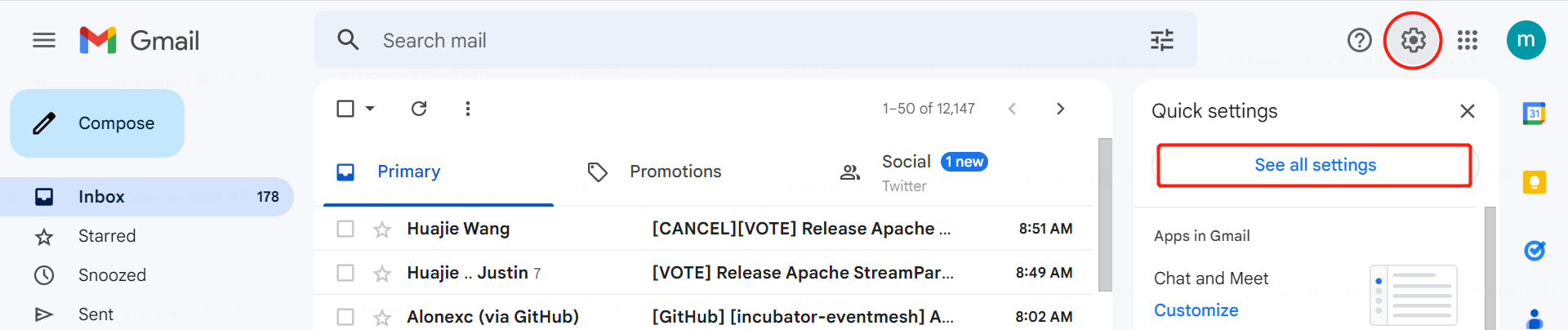
3. Click on settings
4. Find your Apache email
You should have an email from root@apache.org like this in your mailbox:
Titled
Welcome to the Apache Software FoundationThe content is as follows
Dear YYYY,
Good news! We have created your Apache Software Foundation (ASF) committer account, and it is now ready for you.
Your ApacheID is: xxxx
......
Your Apache email is
xxxx@apache.org
5. Add Apache email
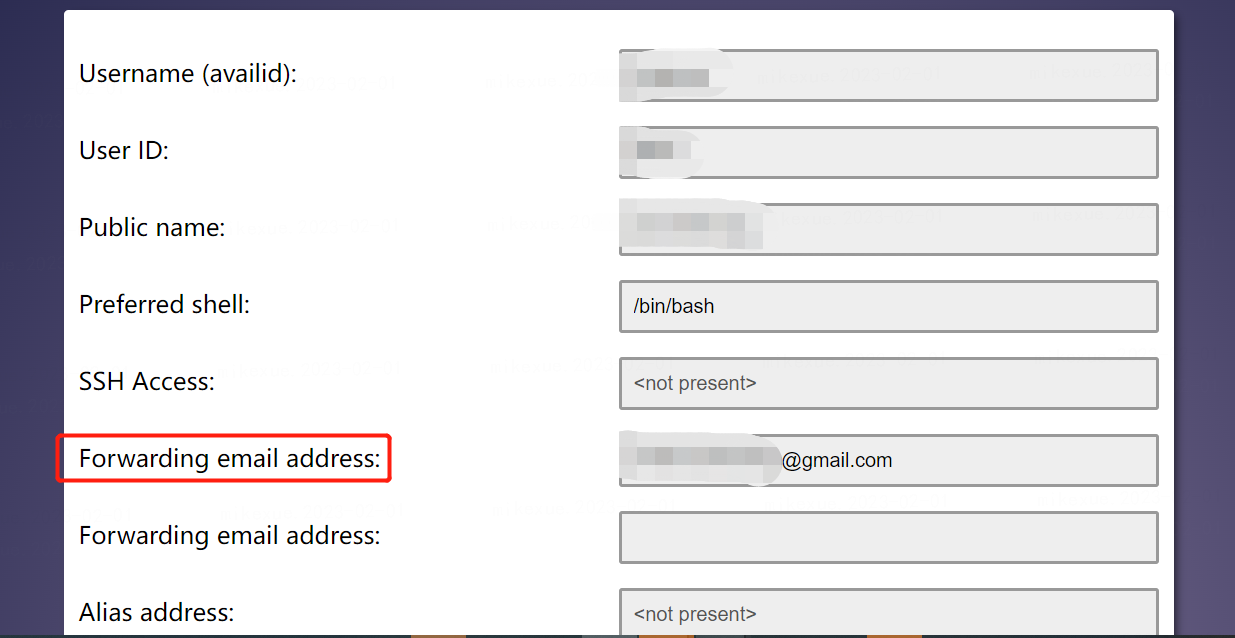
- Login to id.apache.org, config the forwarding email
- add the apache email to the Gmail settings
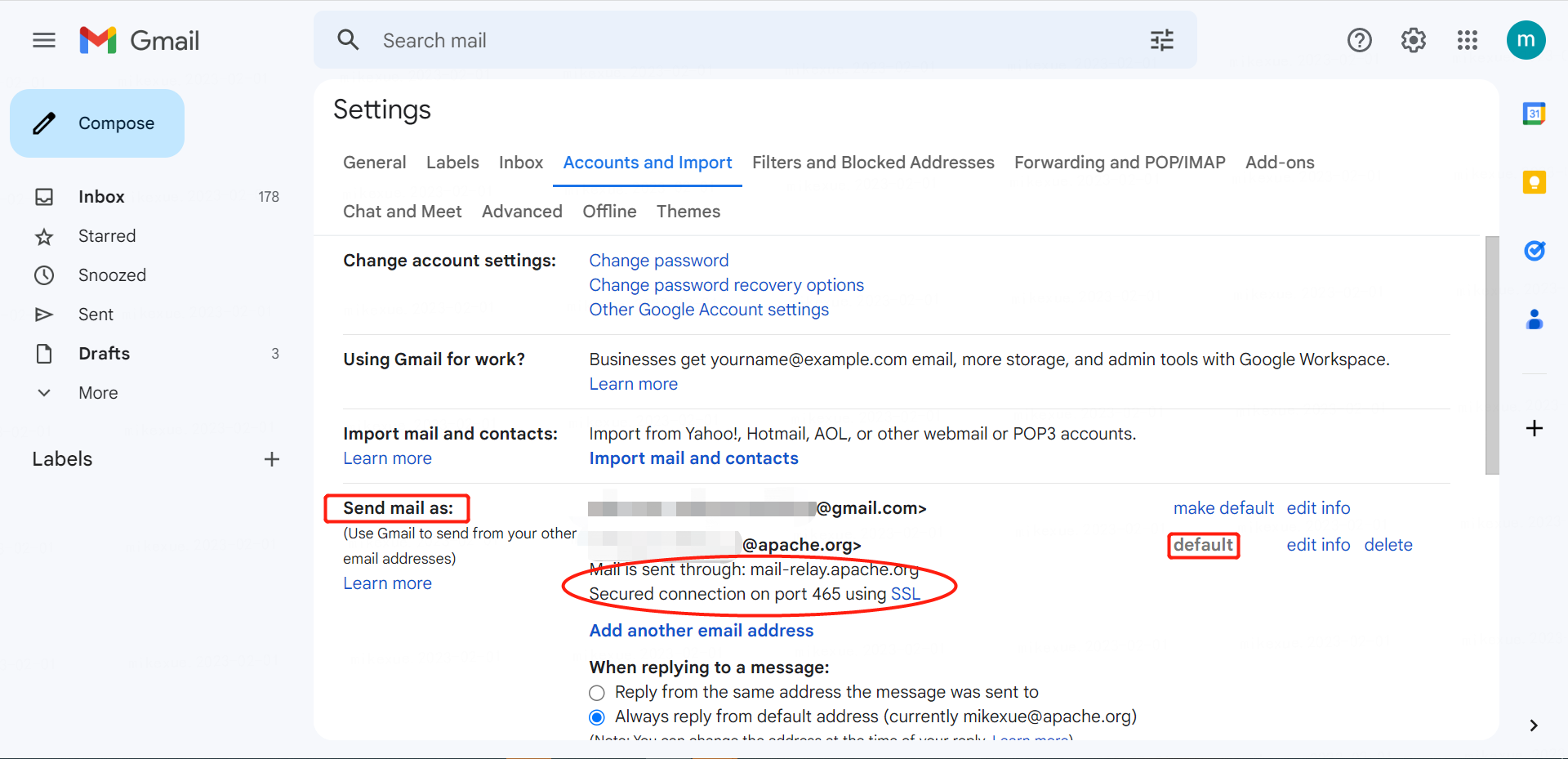
Before the config is set, the Gmail mailbox is used to send by default, and the apache mailbox can be added as the default sending email mailbox. This process requires related configuration and email confirmation verification.